
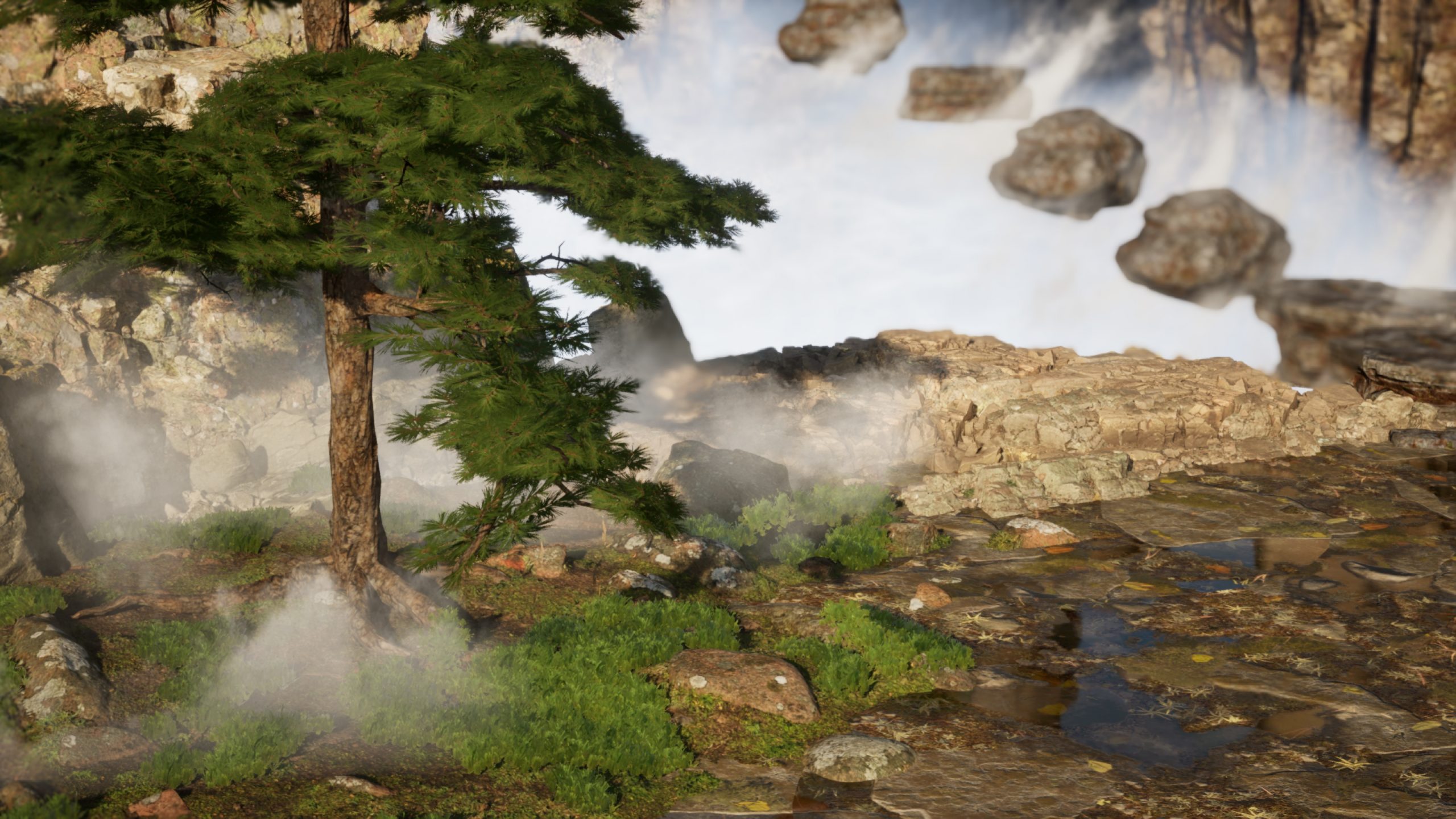
Based on the challenges and insights gained during the project, I aimed to explore procedural methods to aid development and improve efficiency. In this project, I utilized Substance Designer to create materials, which were then applied to the scene for rendering.
Breakdown Video
Procedural Material
Inspiration
Just before starting this, I visited Lingyin Temple and Faxi Temple in Hangzhou. In front of Lingyin Temple, there was a shallow stream flowing between stone slabs. It was autumn, and the water was dotted with fallen leaves, leaving a deep impression on me.
Characteristic of Stone Road
Moss
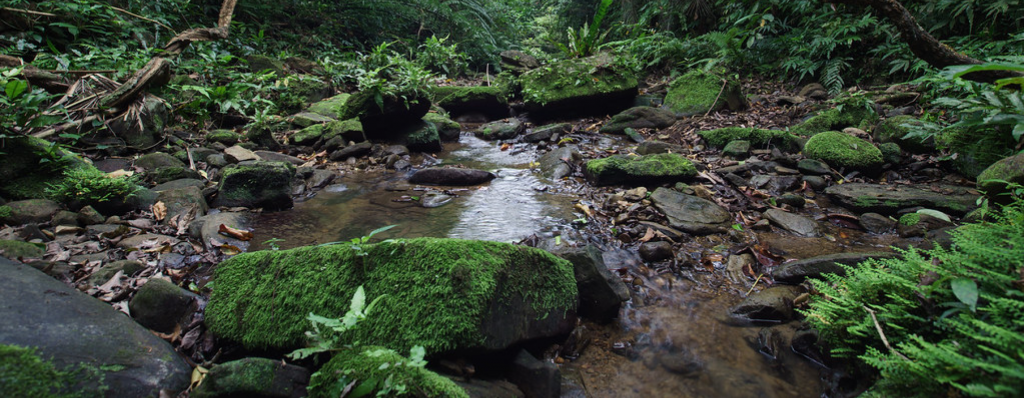
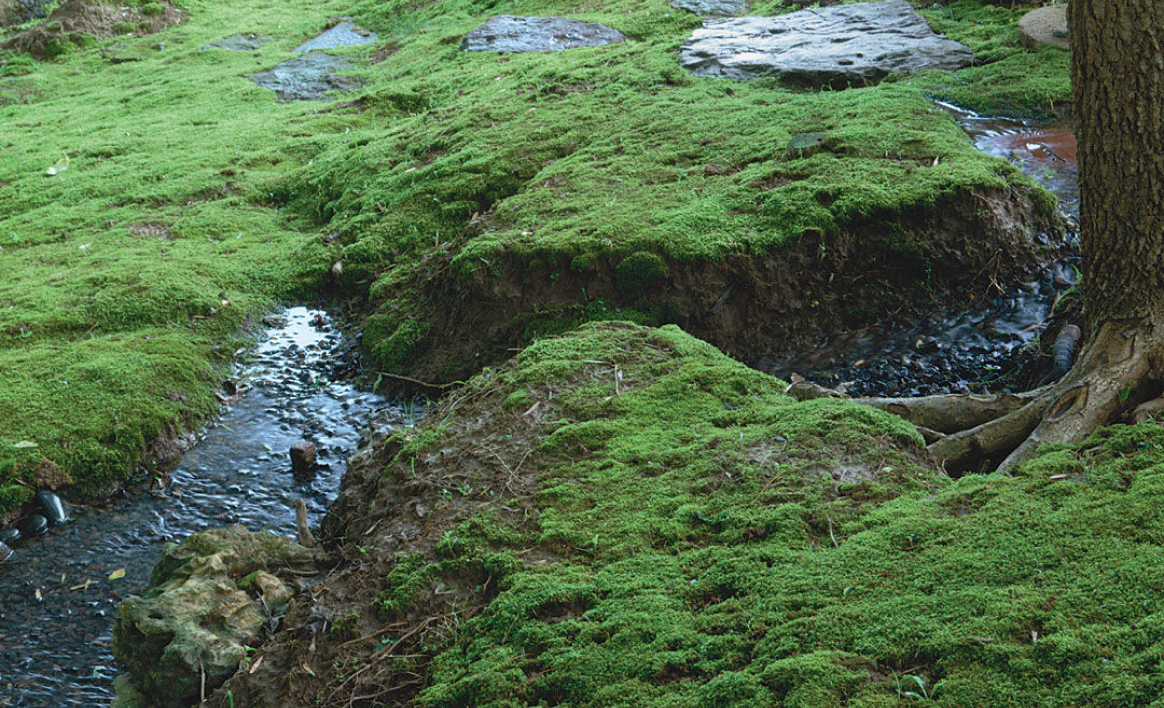
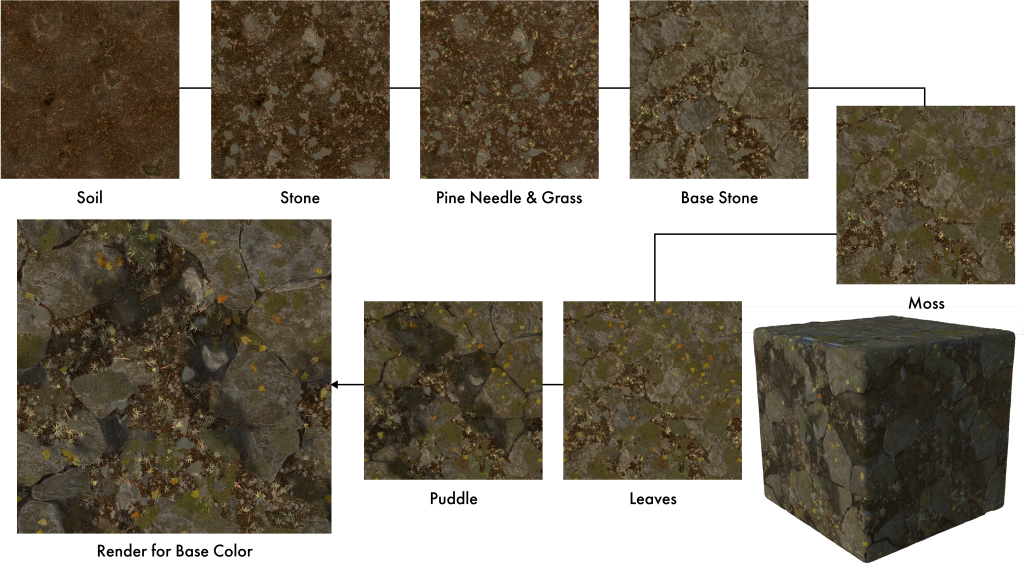
In the woods, moss tends to grow on stones that have been in a humid environment for a long time
Defoliated leaves
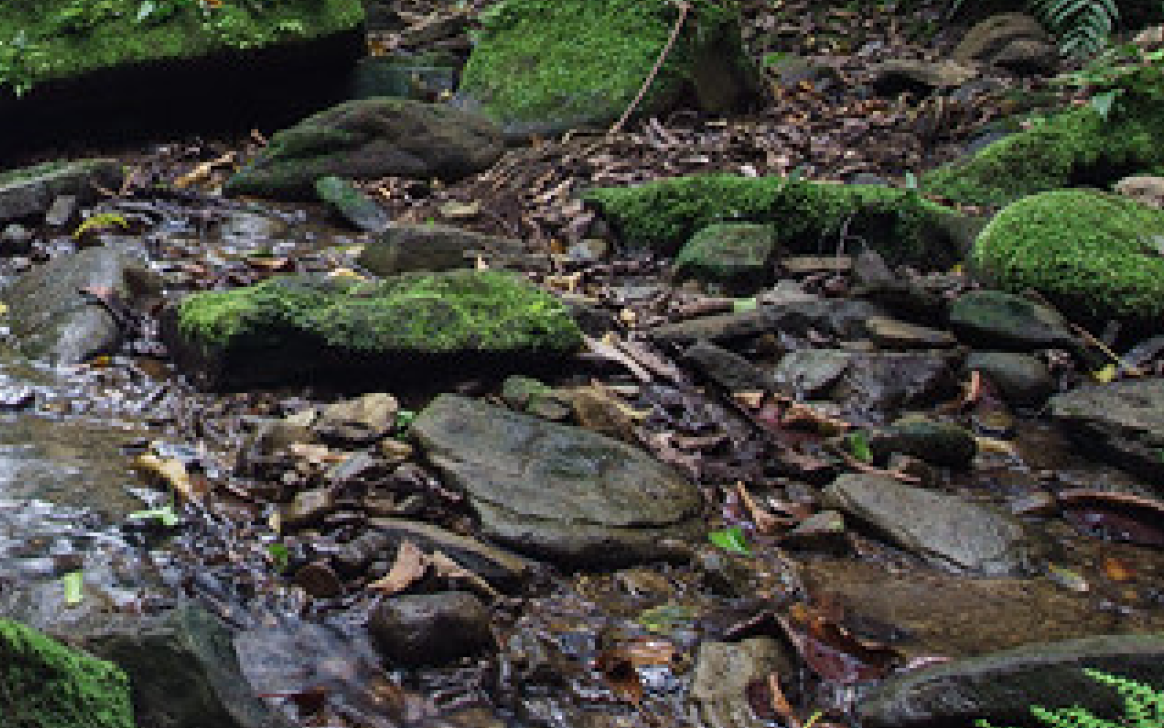
In natural environments, fallen leaves and other plants often grow on and between the stones
Characteristic of Stone Road
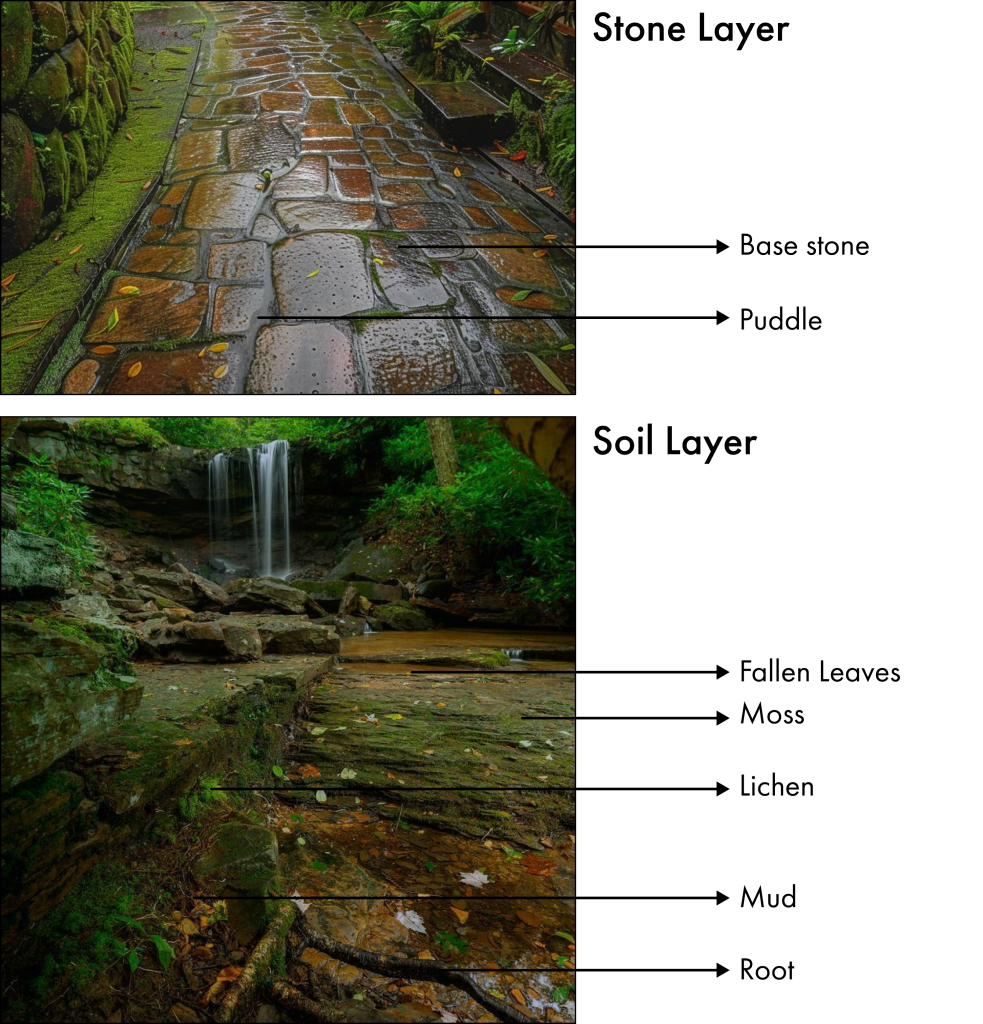
Characteristic of Stone Road
Stone Layer
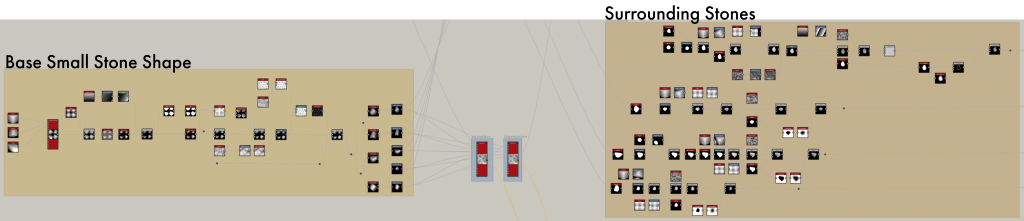
Adding Med Stone
Use the Non-Uniform Blur Grayscale node to soften some of the base shapes and generate some blur effects. Add a medium sized stone from the material. Create a non-contact mask for use between the stones, making sure that the resulting stones are distributed naturally and left at a distance from each other.
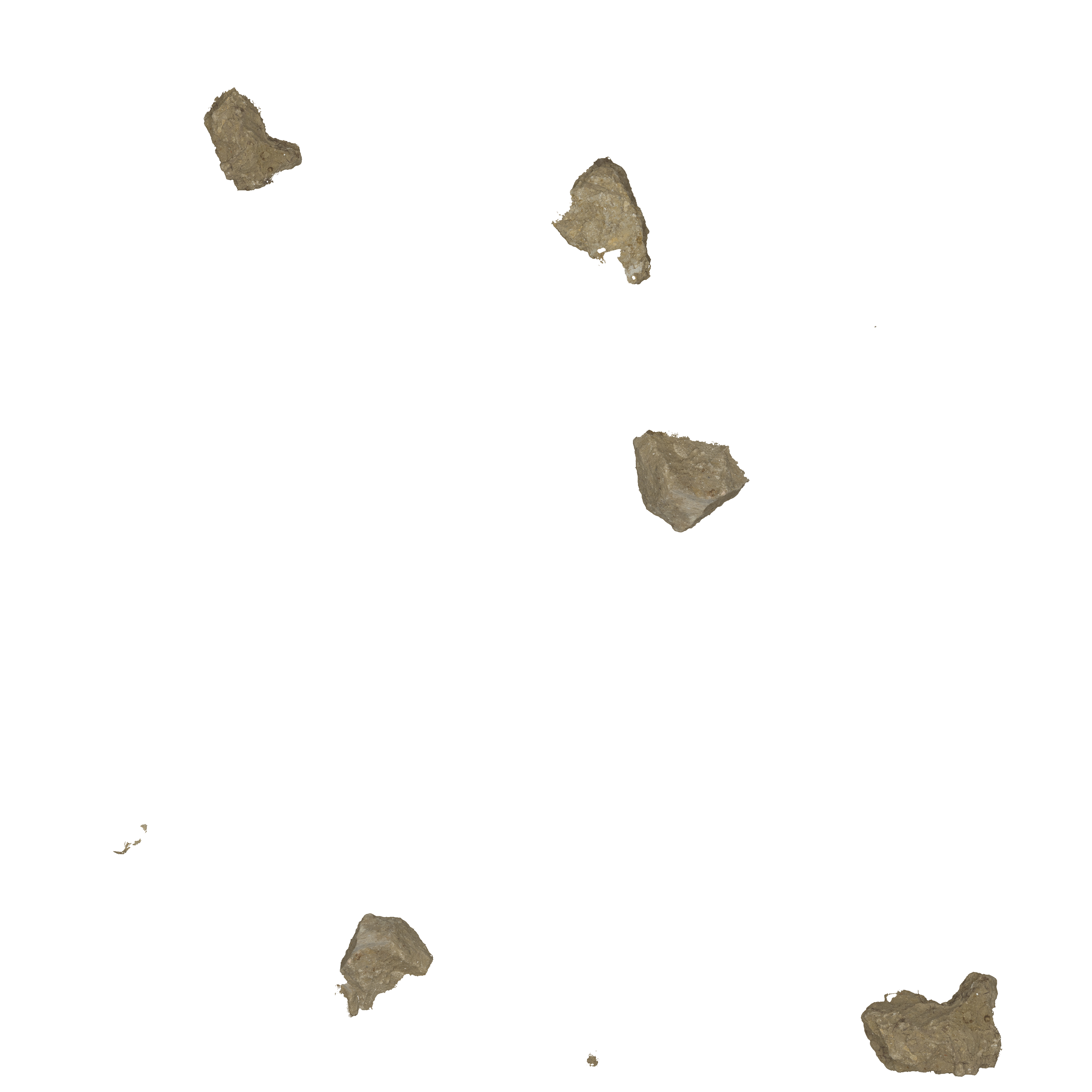

Surface Breakup
Add dynamic deformation and depth to textures to create surface textures with complex breakage and natural wear effects. Reduced texture contrast.
Add new textures and blend them to give the stones a more natural and irregular appearance.
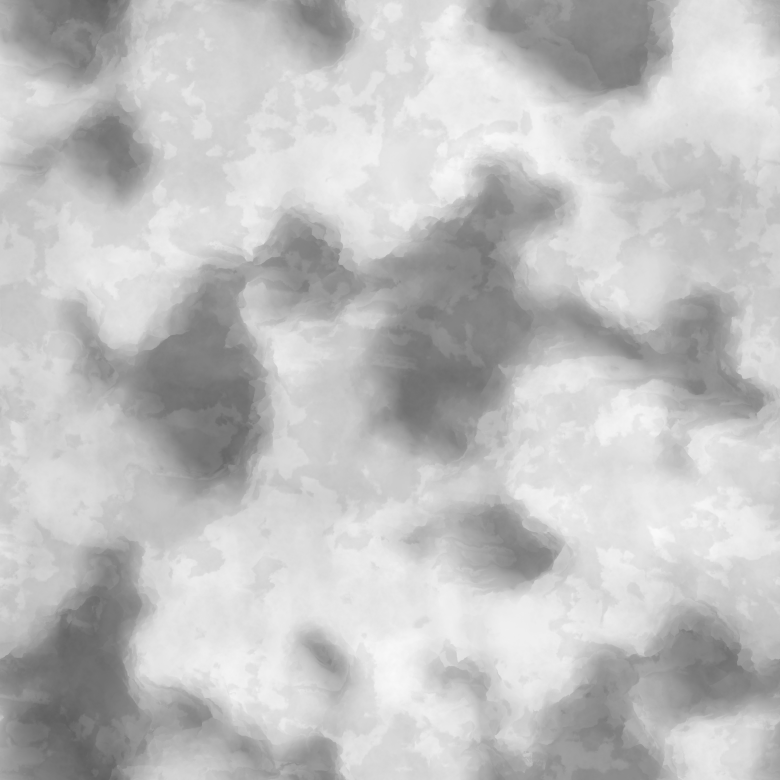
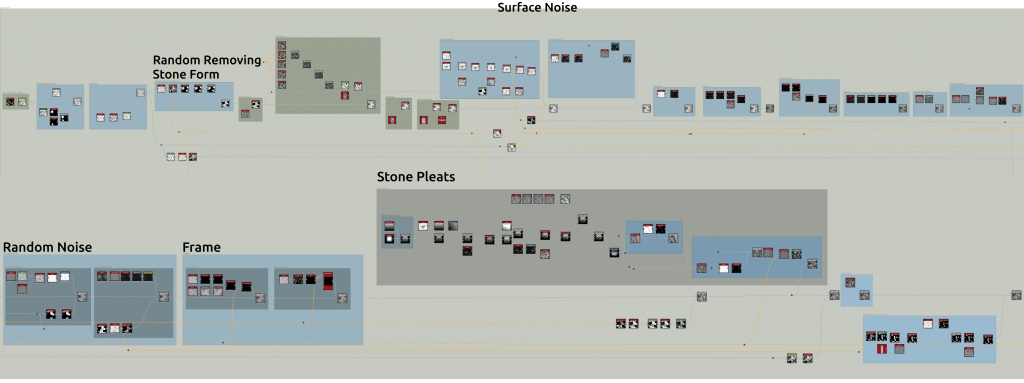
Base Stone From Shape
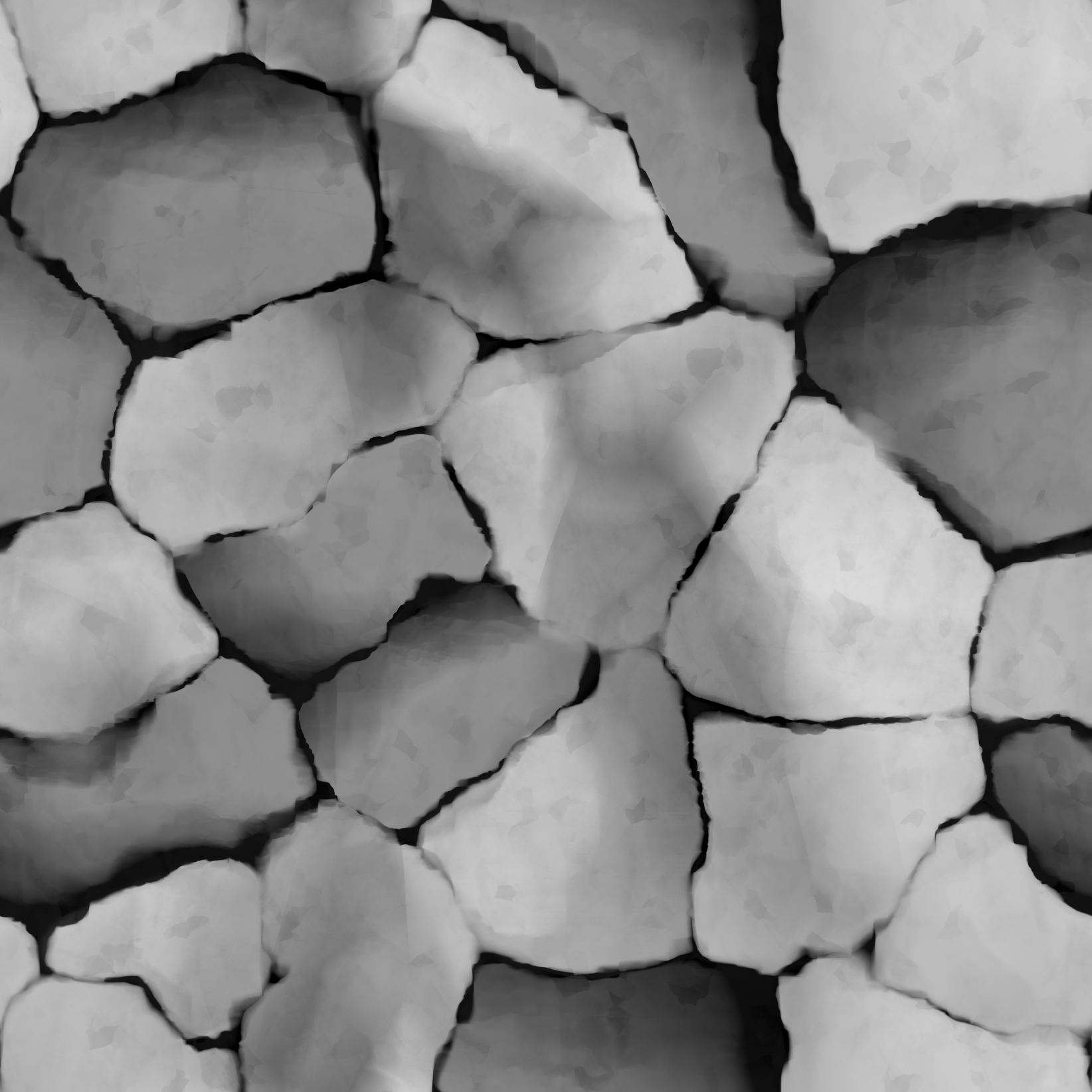
Generate the base stone shape, optimizing gray values and edge details for a natural form with smooth edges.
Use Round FX Random, Histogram Scan, and Blend to eliminate overly uniform shapes and add texture complexity.
Blend multiple noises to mimic rock erosion, creating intricate and random surface details.
Enhance cracking effects and surface scratches, adjusting their direction and shape with Vector Warp Grayscale for a better fit to the stone’s texture.
Incorporate Perlin Noise and Clouds to add depth and simulate natural wear and irregularities on the stone’s surface.
Soil Layer

Create Lichen & Leaf
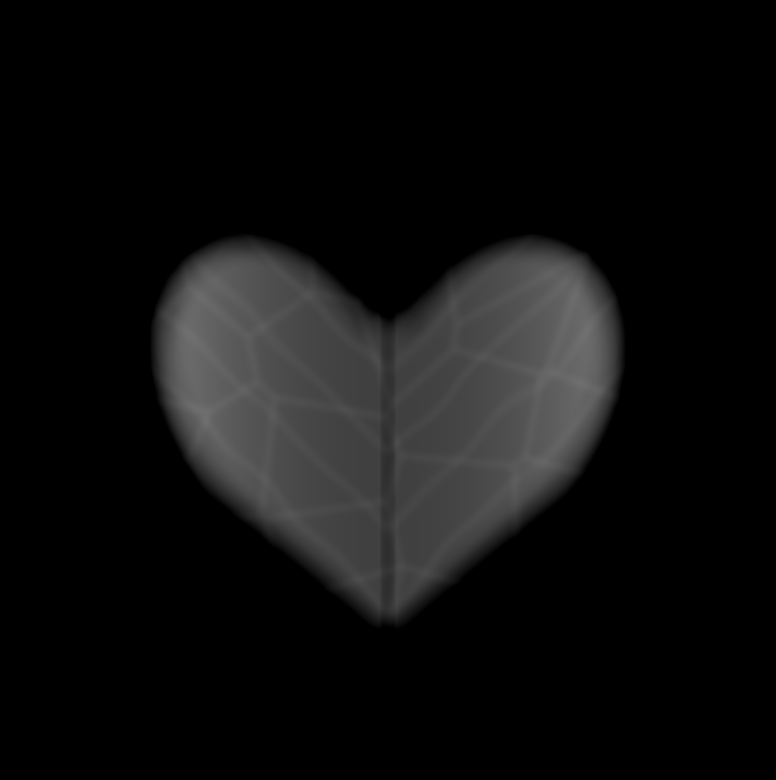
Use some Perlin Noise or Clouds nodes to simulate irregular and natural ground distribution. Generate the basic shape of a leaf and add surface detail, texture and randomness to it.

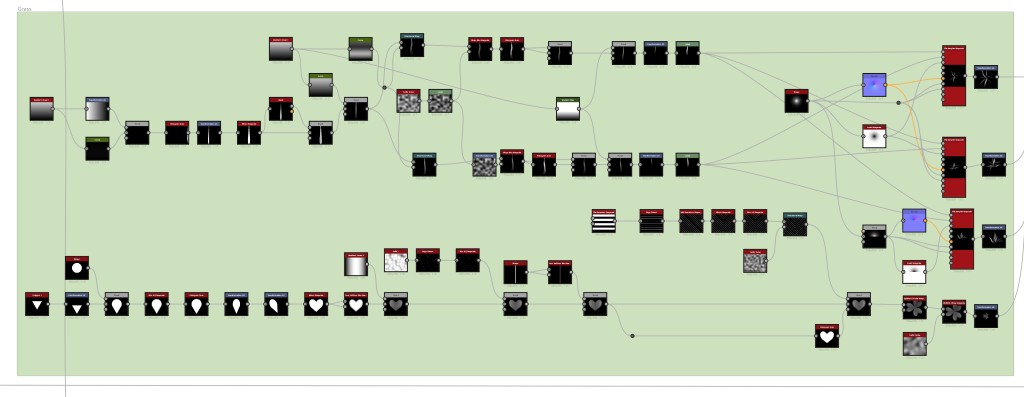
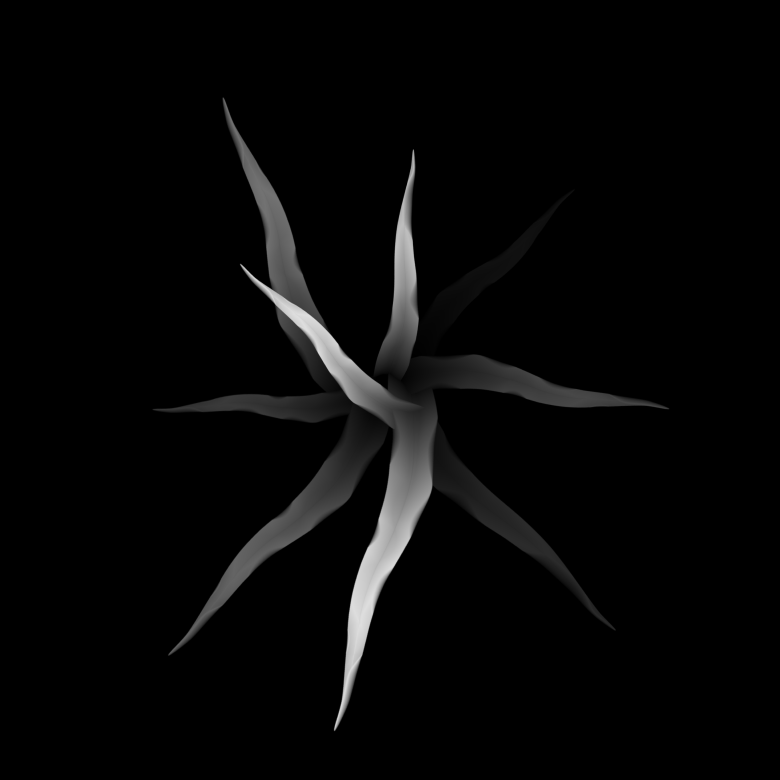
Grass
Add subtle irregularities to grass distribution and curvature. Add directional distortion of leaf shapes to enhance the texture’s natural, random appearance.
Mud
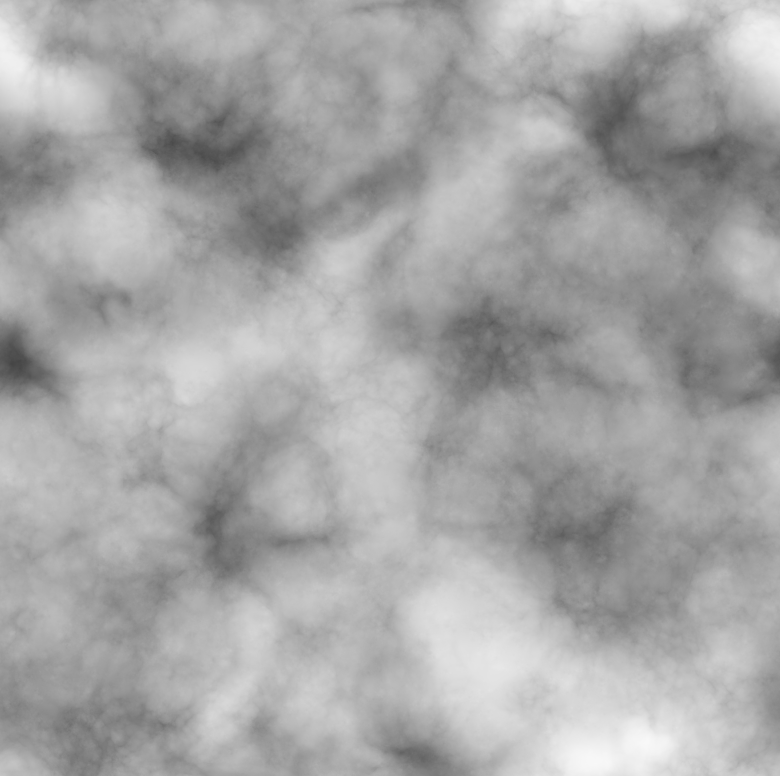
Create a visually rich and varied clay texture that reflects the many properties of clay in its natural environment, including directional flow, natural erosion and surface undulation.
Underground Root
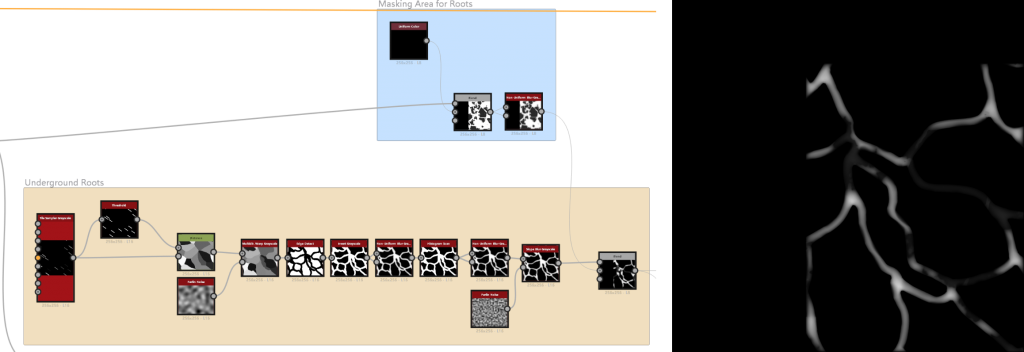
Tile Sampler Grayscale is used to establish the initial pattern, forming the basic structure of the underground root system. Multi-Directional Warp Grayscale then distorts the input, creating a more natural and irregular appearance, effectively simulating the complexity of real underground root systems.
Color
Moss/Stone/Lichen Color
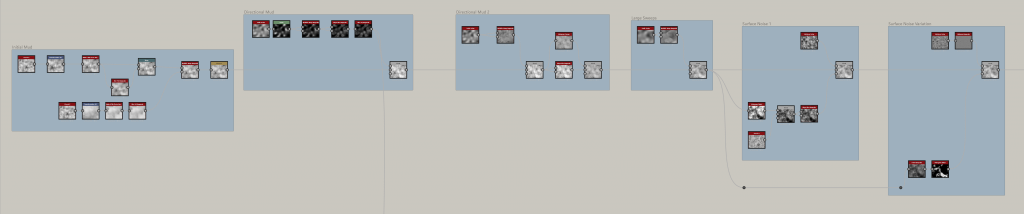
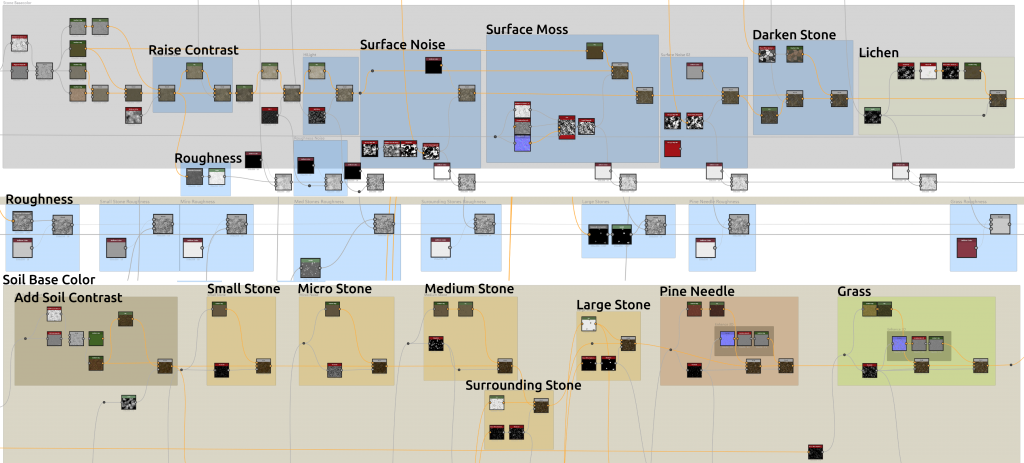
Ambient Occlusion and Grayscale maps create the base texture for colors. Gradient Map nodes generate base tones for Moss Stone Lichen, while HSL and Blend nodes enhance brightness and contrast for clearer color layers. Midtone Noise and other noise nodes add subtle random textures, simulating natural stone variations. HSL nodes enhance brightness for highlights. Splatter Circular and Voronoi nodes generate surface noise maps. Grayscale maps and Level nodes adjust roughness brightness for balanced distribution. Grayscale Map and Invert Grayscale, with noise maps, form random moss patterns. Flood Fill to Random Grayscale and Gradient Map shape cracked stones, blending them with soil. Threshold and Flood Fill define lichen shapes and areas, mimicking random surface spread.
Final Outcome


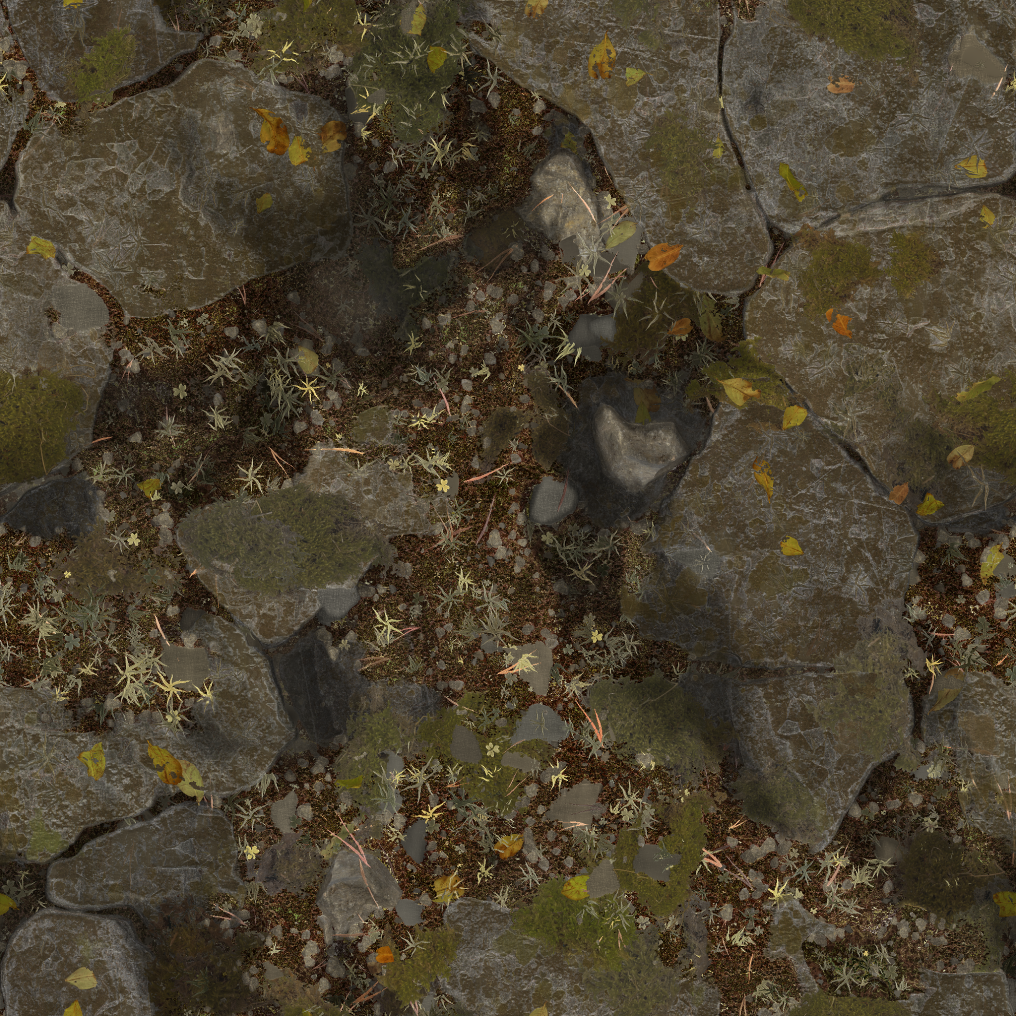
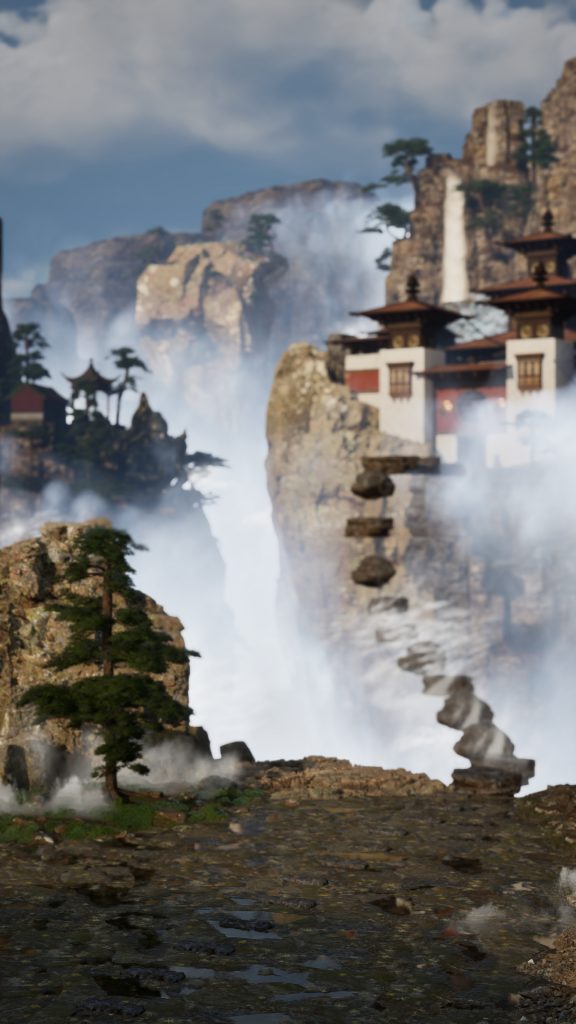
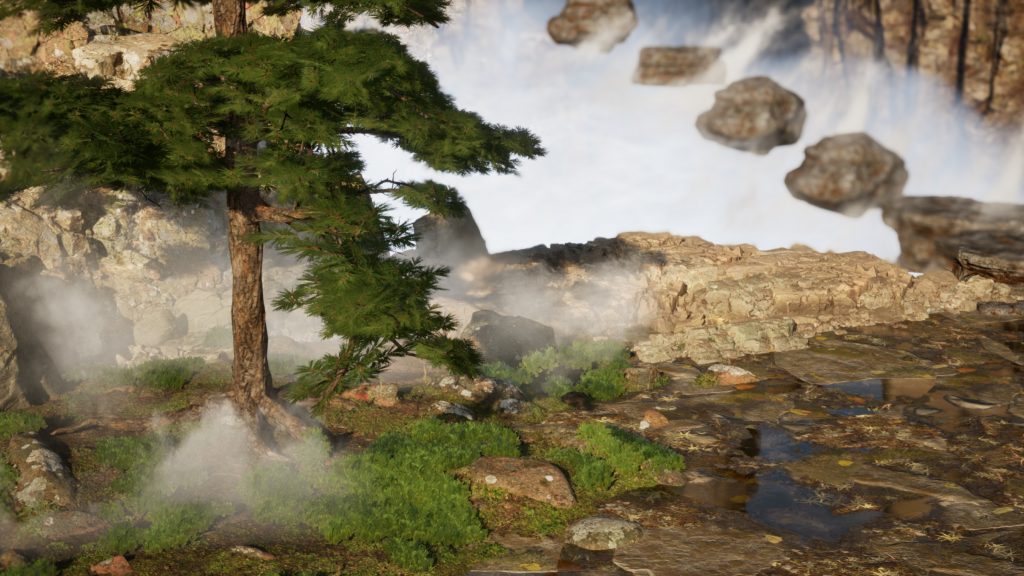
Leave a Reply